Desktop Computer Recycling
What is the best way to recycle desktop computers?
The best way to recycle desktop computers is to plan for data protection, equipment evaluation, and transportation before releasing your retired systems. We help businesses move unwanted computers into a recycling process rather than leaving them in storage or mixing them with ordinary waste.
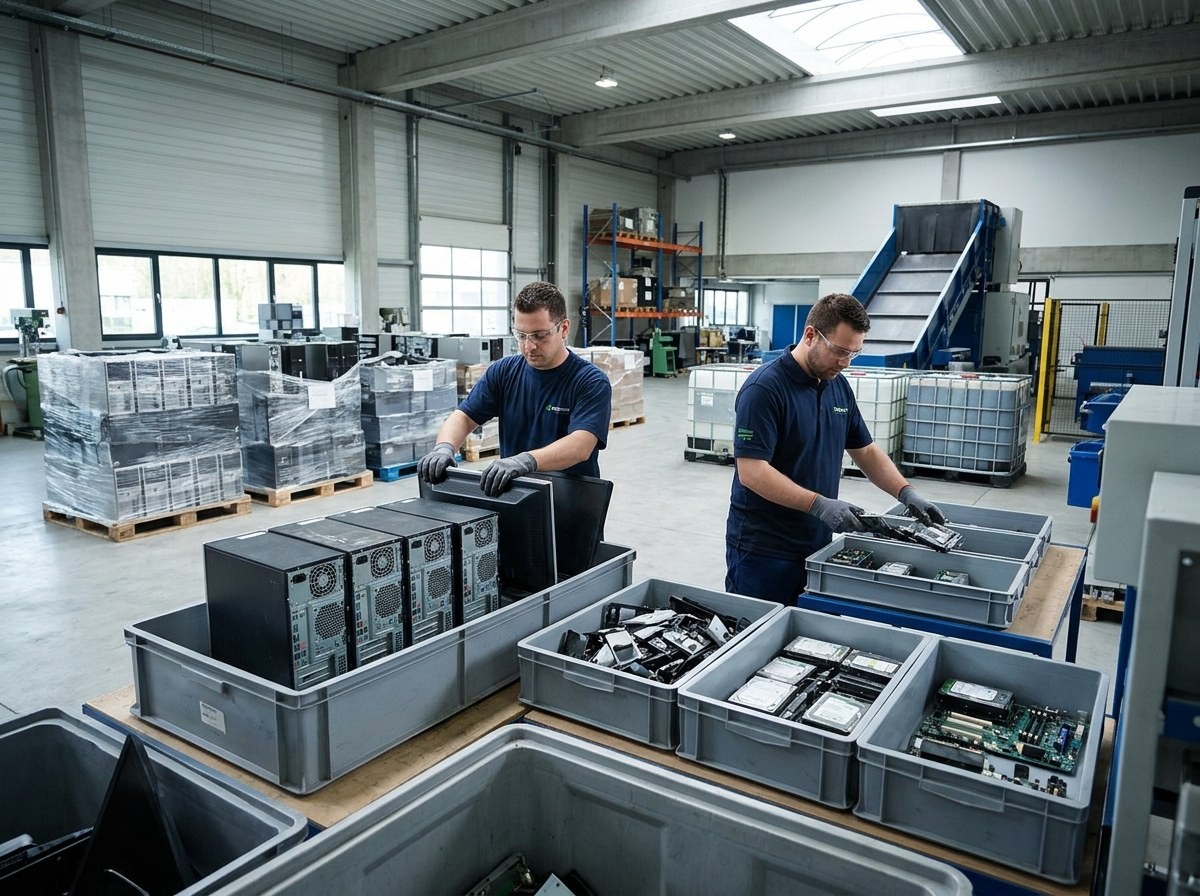
Start by identifying which desktops are no longer needed and whether they still work. Keep complete systems separate from loose components, and describe any missing parts. This gives our team useful information when reviewing your material and discussing the next steps.
Our electronic scrap recycling services cover whole units and components. Whether your company is replacing office workstations or clearing accumulated equipment, request a quote before preparing the shipment. Confirm the accepted items, handling requirements, and transportation arrangements so everyone understands the scope.
Why should your company prioritize recycling desktop computers?
Recycling desktop computers helps recover useful materials and gives your company a planned route for retiring equipment. Computers contain metals and other materials that require resources to produce, making responsible handling important after their working life ends.
The United States Environmental Protection Agency (EPA) reports that 1.04 million U.S. short tons of selected consumer electronics were collected for recycling in 2018, a 38.5 percent recovery rate. This category includes computer equipment and other electronics, not desktops alone. See the EPA explanation of electronics recycling figures.
For your business, the practical starting point is an inventory. Identify unused desktops, assign responsibility for their retirement, and set a collection date. A defined project is easier to coordinate than a storage room filled with uncounted equipment and unresolved data questions.
How should you prepare desktops before recycling?
Prepare desktops by documenting the equipment, protecting your information, and confirming our shipping instructions before packing. If you are learning how to recycle desktops, use a repeatable process that your facilities and technology teams can follow together.
- Count the desktops and record models, condition, and missing components.
- Back up required files and have authorized staff address stored information.
- Separate equipment scheduled for recycling from computers still in service.
- Confirm packaging, shipment details, and any requested documentation with us.
The EPA advises, Delete all personal information from your electronics. Its electronics preparation guidance makes data preparation an explicit step before recycling.
Keep retired systems in a controlled area while arrangements are finalized. Tell us about damaged units or unusual components before shipment, rather than assuming every item needs identical handling.
Which desktop equipment should you include in your inventory?
Include complete desktop systems and separately identify any components or accessories you want us to review. Our purchasing scope includes whole computer units, components, peripherals, and boards, but your quote should establish exactly what belongs in your shipment.
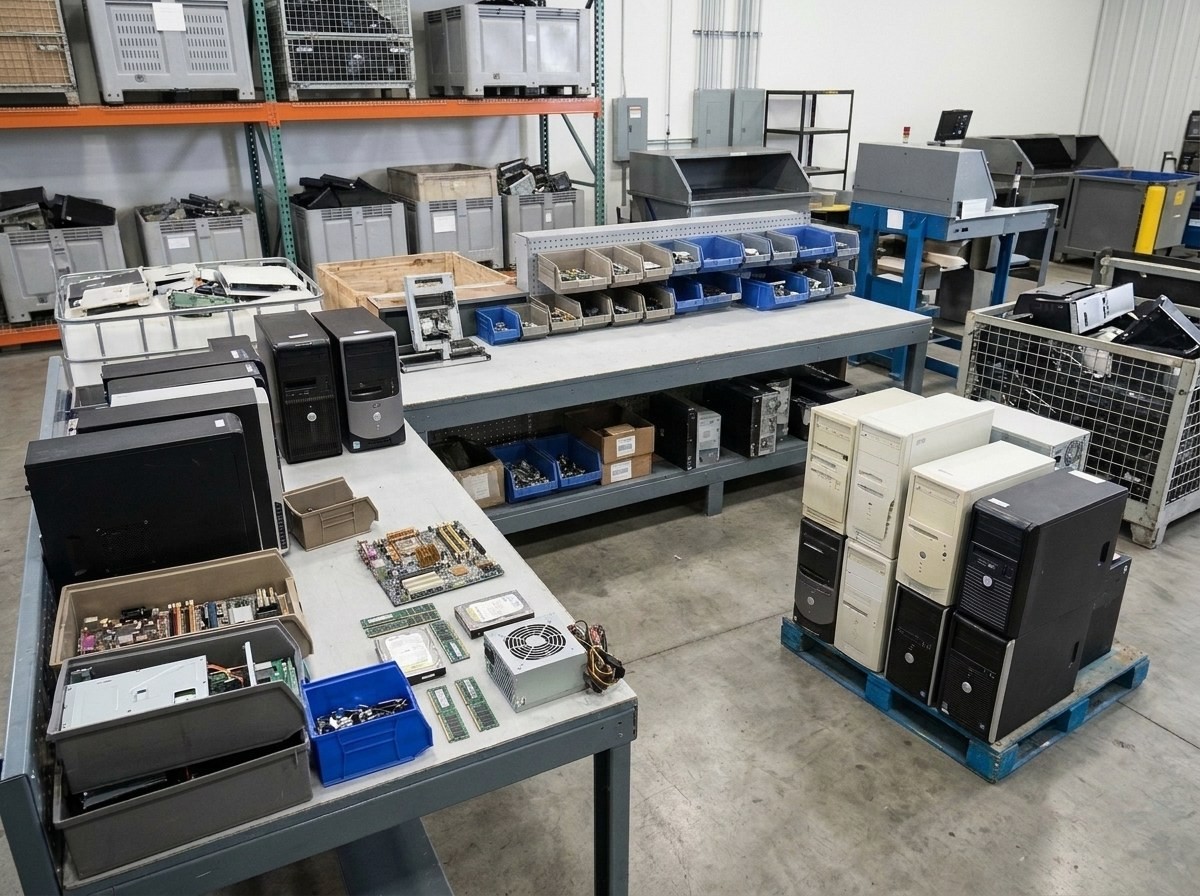
- Desktop towers: Record quantities, models, and whether systems appear complete.
- Internal components: Identify loose circuit boards, processors, memory, and power supplies.
- Storage drives: Note whether drives remain installed or have been removed.
- Accessories: List cables, keyboards, monitors, and other accompanying equipment separately.
Do not assume a mixed collection has one value or one preparation requirement. Our computer asset evaluation and remarketing information explains why equipment age, configuration, and condition matter. Clear descriptions help distinguish potentially reusable hardware from material being offered primarily for recycling and support a more useful quote discussion.
Is Interco R2 certified and approved for Appendix B?
Yes, Interco is a Responsible Recycling (R2) certified company, approved for Appendix B, with certification applying to our electronics recycling facility in Edwardsville, Illinois. This matters when your retired desktops contain drives or other components that store business information.
Appendix B addresses data sanitization, meaning the process of making stored information inaccessible. Sustainable Electronics Recycling International explains that its Appendix B data sanitization requirements include enhanced security and device tracking beyond the standard's basic data security requirements.
Before releasing equipment, tell us whether drives remain installed, describe your information handling requirements, and confirm the agreed service and documentation. Ask which sanitization methods apply to your equipment. Certification supports an informed discussion, but your project still needs clear instructions about the devices, required records, and approved handling process.
What details help us quote your desktop recycling project?
An accurate quote starts with equipment quantities, condition, location, and the services you need. Organize these details before requesting pricing so our team can review your desktop recycling project without relying on broad assumptions about the material.
- Assets: Describe desktop models, approximate counts, accessories, and loose components.
- Condition: Explain whether equipment works, has missing parts, or shows damage.
- Collection: Provide the shipping location, access details, and preferred timing.
- Documentation: Specify the records and handling requirements your company needs reviewed.
Photos can help explain a mixed collection, but they should accompany quantities rather than replace them. Keep sensitive information out of images and attachments. If several departments are contributing equipment, designate one coordinator to combine their lists, resolve duplicate entries, and communicate changes before the shipment is finalized.
Where can your business recycle computers and request a quote?
Your business can work with us to arrange desktop computer recycling and review transportation needs for its location. If you are deciding where to recycle computers, start with a clear description of your equipment and the outcome your company needs.
You can request a desktop computer recycling quote with quantities, equipment condition, collection details, and preferred timing. Include questions about preparation, stored information, and documentation so those requirements can be discussed before you release the assets.
For a one-time office cleanout, define the full collection before scheduling. For recurring replacements, keep an updated inventory and identify who approves each shipment. Recycling desktop computers works best as a planned business task: know what is leaving, confirm how it will move, and agree on the service scope with our team.
Can Interco coordinate shipping throughout the contiguous United States?
Yes, Interco is able to ship anywhere in the contiguous United States, with transportation details established for each project. Our great logistics team helps coordinate loads, shipping paperwork, and the information needed to move material between locations.
Our domestic logistics services include full truckload and less-than-truckload transportation. Less-than-truckload shipping means your freight occupies part of a trailer rather than requiring the entire vehicle. The appropriate arrangement depends on shipment size, packaging, access, and scheduling needs.
Tell us the collection address, estimated quantity, pallet count if available, and whether the site has a loading dock or forklift. Mention restricted receiving hours and access limitations early. Confirm pickup arrangements and packaging instructions before moving equipment outside or committing staff to a loading schedule. Transportation should fit the actual load and site conditions.
How does Interco's proprietary ERP support equipment handling?
Interco's proprietary enterprise resource planning (ERP) system supports equipment handling by giving warehouse staff a place to enter or scan operational data. It is one part of an organized workflow that also includes sorting equipment, checking condition, and preparing orders for shipment.
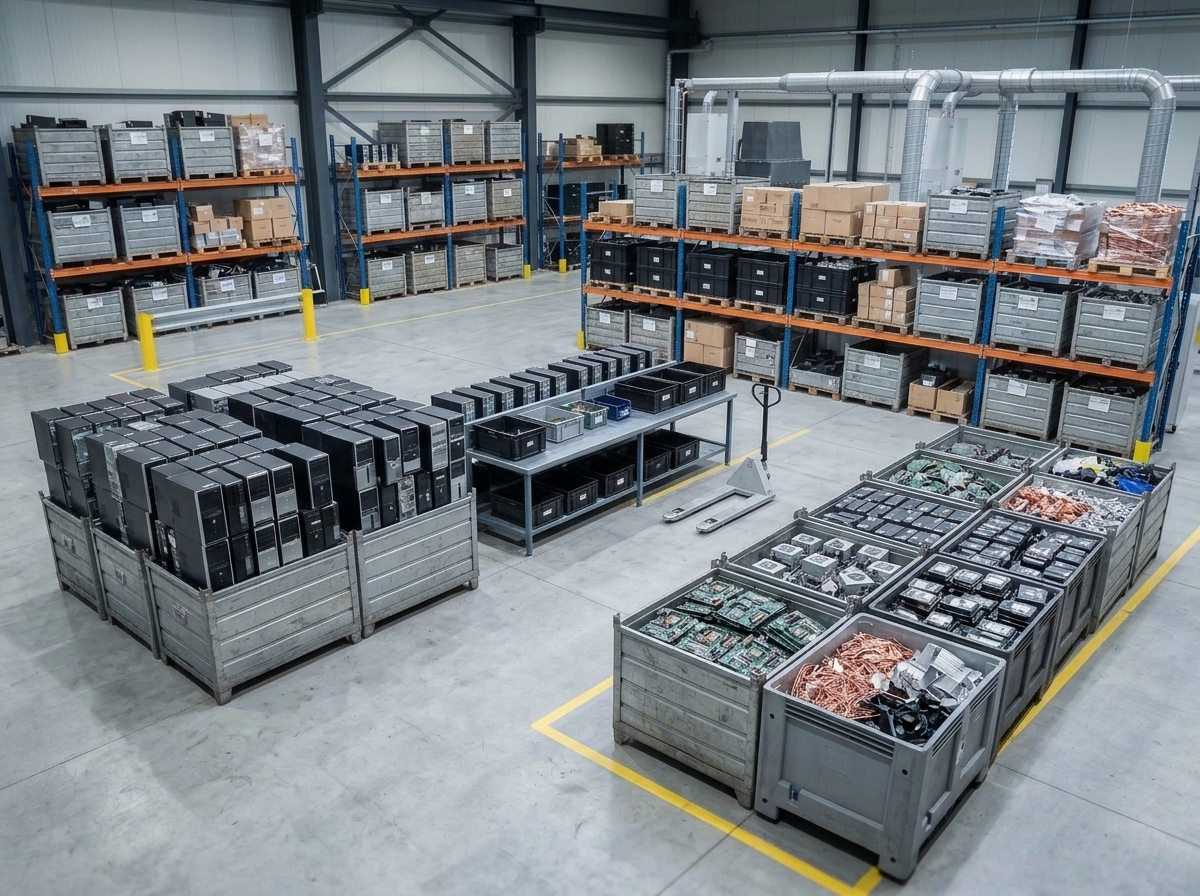
Our published warehouse equipment-handling responsibilities include sorting items by model and type, inspecting equipment, entering information into the proprietary ERP, and reporting discrepancies. These tasks connect physical handling with recorded information rather than relying only on informal descriptions.
For your project, begin with an accurate equipment list and explain any tracking requirements before shipment. Ask what records are available for the agreed service. Do not assume warehouse data entry includes a customer portal, individual serial-number reporting, or data destruction documentation unless those deliverables are specifically confirmed.